

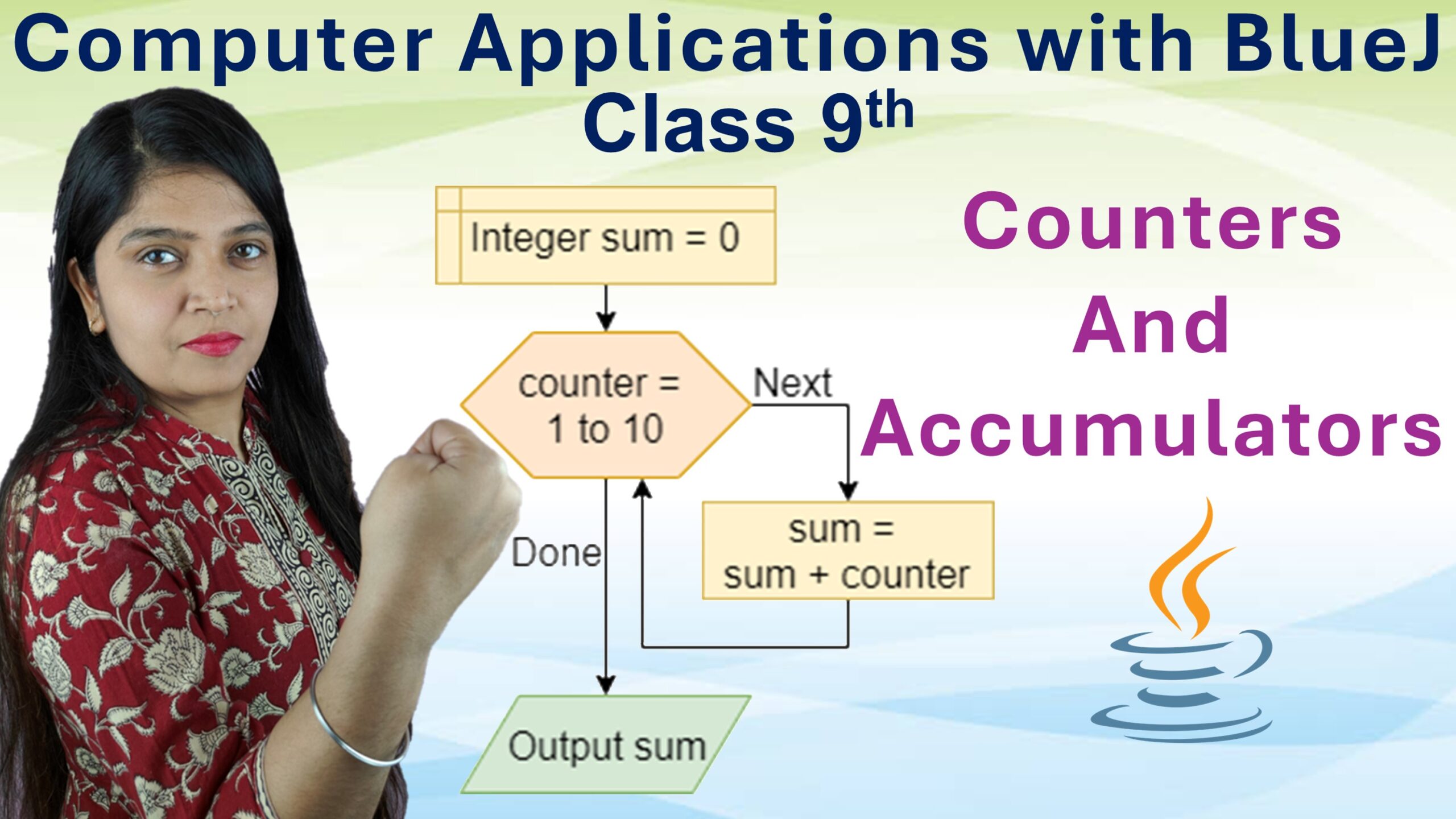
In real life, we often count things like the number of people entering a shop or the number of goals scored in a match. Similarly, we sometimes keep a running total like adding up daily expenses or marks in different subjects. In Java programming, these two real-world ideas are represented by counters and accumulators. They help the computer count and sum up values while a program runs.
What Are Counters and Accumulators?
1. Counter
A counter is a variable used to count how many times something happens. For example, it can count the number of students who passed or the number of times a loop repeats.
2. Accumulator
An accumulator is a variable used to store the total of several values added together. For example, it can keep the sum of marks, total sales, or total distance traveled.
Purpose of Counters and Accumulators
The main purpose of counters and accumulators is to track and calculate values dynamically while a program runs. They are used in:
- Loops to count repetitions
- Summing up data (like totals, averages, or balances)
- Keeping track of progress in a program
- Without them, it would be difficult for a program to monitor how many actions have been performed or to maintain running totals.
Why Counters and Accumulators Matter in Java?
Counters and accumulators are core tools for logic and calculations in Java. They make programs interactive and meaningful by allowing them to “remember” and “update” data as tasks continue. For example:
Counting how many students scored above 50, Adding marks of all students to find the total or average, Counting how many times a button is clicked,
They are especially important in loops, arrays, and data processing programs.
Counters and Accumulators in Detail
1. Counters
A counter usually starts with an initial value, commonly 0 or 1, and increases (or decreases) by a fixed amount whenever an event occurs. Example:
int count = 0; // counter starts at 0
for (int i = 1; i <= 5; i++) {
    count++; // increase by 1 each time
}
System.out.println("Count is: " + count);
✅ Output:
Count is: 5Here, the counter counts how many times the loop runs.
2. Accumulators
An accumulator also starts from an initial value (usually 0) but instead of counting, it adds up values each time the loop runs. Example:
int sum = 0; // accumulator starts at 0
for (int i = 1; i <= 5; i++) {
    sum += i; // add each value of i to sum
}
System.out.println("Sum is: " + sum);
✅ Output:
Sum is: 15Here, the accumulator adds up numbers from 1 to 5.
Difference between Counter and Accumulator
| Aspect | Counter | Accumulator |
|---|---|---|
| Definition | A counter is a variable used to count the number of times an event or process occurs. | An accumulator is a variable used to store the total or sum of numbers during program execution. |
| Purpose | To keep track of occurrences or repetitions. | To add up values or accumulate totals. |
| Initial Value | Usually starts from 0 or 1. | Usually starts from 0 or any initial total value. |
| Operation | Value is increased or decreased by a fixed amount (e.g., +1). | Value is updated by adding variable amounts (e.g., sum = sum + number). |
| Example | count = count + 1; → counts how many times a loop runs. | sum = sum + marks; → adds up all marks. |
| Final Result | Shows how many times an action occurred. | Shows the final total or accumulated value. |
Final Thought
Counters and accumulators are like the memory and calculator of a Java program. Counters help in tracking “how many times” something happens, while accumulators keep adding up the total value. Together, they make Java programs smarter, dynamic and capable of handling real-life logic with ease.
If you’re thinking of learning programming, Java is a great place to start!

Leave a Comment